Poor signal interrupts forms
Preserve separate job drafts locally instead of losing progress when connectivity drops.
Cookie preferences
Necessary cookies keep ServiceFlow working. With your permission, analytics cookies help us understand website visits. You can change this choice later.
Keep essential job work moving with weak signal
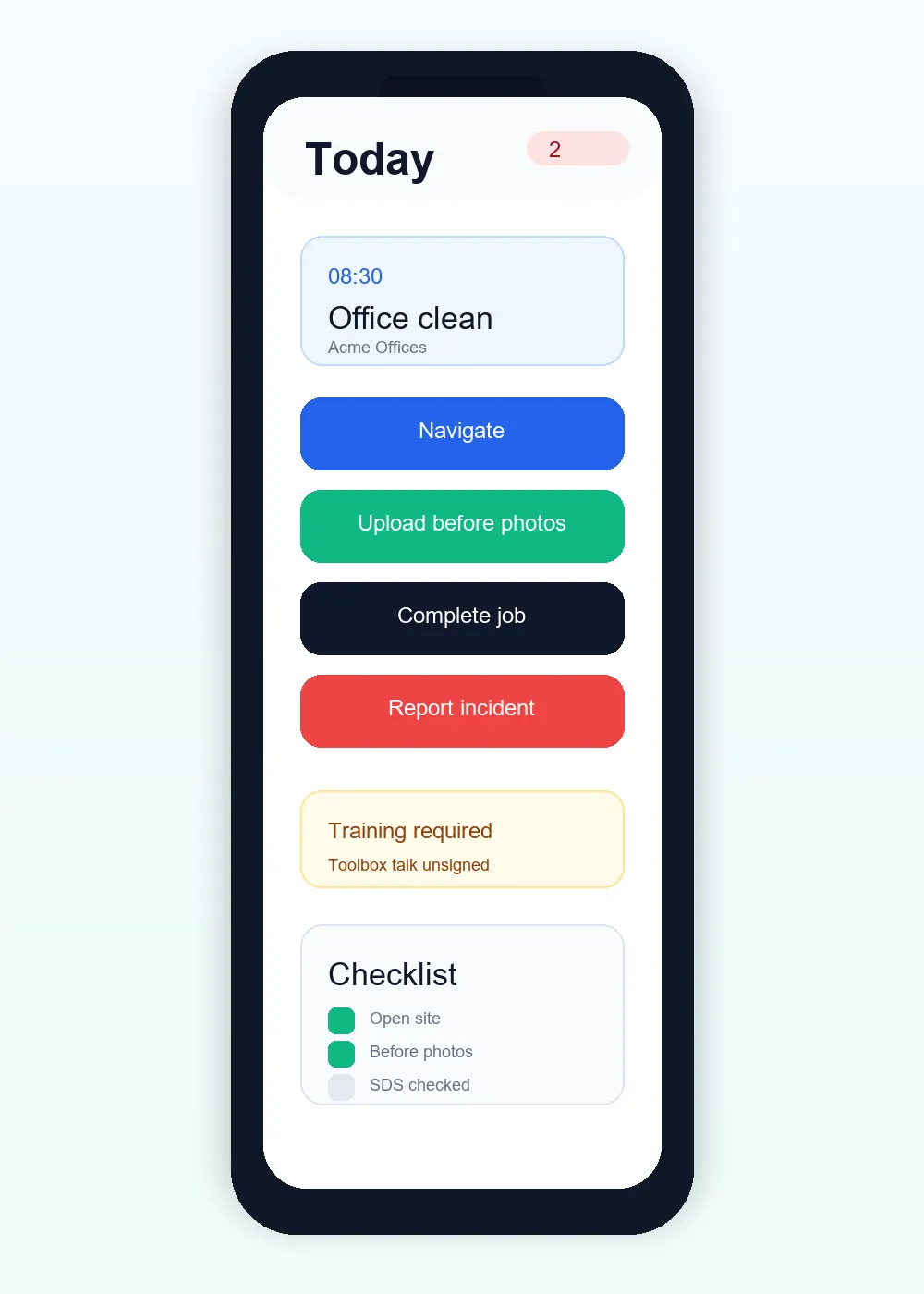
Basements, plant rooms and remote sites do not always have reliable mobile data. ServiceFlow keeps supported job information and drafts available locally, then synchronises carefully when connectivity returns.
The operational challenge
Preserve separate job drafts locally instead of losing progress when connectivity drops.
Use existing version checks so older device actions do not silently overwrite newer admin corrections.
Show useful offline and synchronisation status in the staff workflow.
The working sequence
Sign in and load the relevant jobs before relying on local work. Installation on a home screen does not make every page or action available without signal.
Per-job drafts and supported queued actions keep visits separate. Large photos are prepared before queue storage, and visible sync feedback distinguishes local progress from uploaded evidence.
Allow queued work to sync. A stale job update may need attention if the office has corrected it in the meantime; do not treat a retry warning as a successful server completion.
How ServiceFlow helps
Keep supported report progress separated when a worker moves between several jobs.
Store supported status and completion operations until the server can confirm them. Photos are prepared on the device before joining the existing sync queue; staff can see items waiting to sync.
Local work stays scoped to the verified user and business membership. Switching context does not combine another business's drafts or photos.
Detect stale job versions instead of applying an unsafe update silently.
Use the ServiceFlow web app from a supported mobile home screen for quicker access.
Business outcomes
FAQ
No. Offline support focuses on selected staff job workflows and actions that can be synchronised safely.
Version-aware sync can reject a stale update and ask the worker to refresh rather than overwrite newer information.
ServiceFlow is a responsive web application with install support on compatible browsers and devices.
Related workflows
Start with the real booking, staff and reporting workflow. No card is required for the 30-day trial.
Start free trial