Last-minute changes
Keep assignments, visit times and access instructions current when the working day changes.
Cookie preferences
Necessary cookies keep ServiceFlow working. With your permission, analytics cookies help us understand website visits. You can change this choice later.
Connect the office and field team
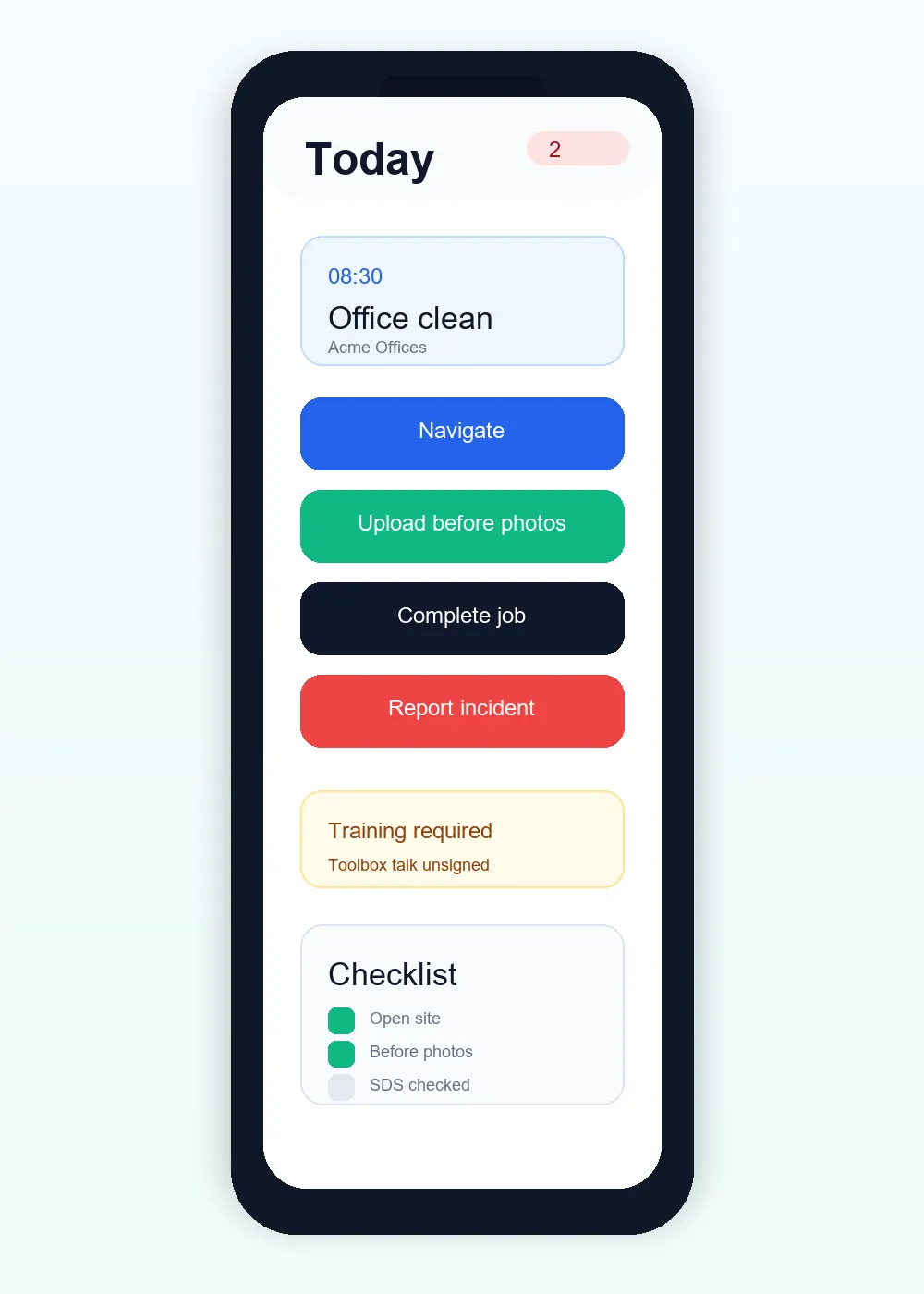
ServiceFlow helps office teams coordinate work while giving field staff a straightforward mobile workflow. Everyone works from the same customer, site and job information, with updates recorded against the visit as it happens.
The operational challenge
Keep assignments, visit times and access instructions current when the working day changes.
Staff see the relevant job information without needing separate messages or printed sheets.
Capture evidence and reports on site so completed work is ready for office review sooner.
The working sequence
Check team availability and give each visit its customer, site, instructions and documents. Assign multiple workers when the job needs a team.
Staff work from their assigned jobs, record travel and arrival, and complete the visit record. The office can distinguish work still scheduled from work already in progress.
Review the report, handle jobs needing rebooking and share the approved customer record. Keep the next recurring visit connected without reusing the previous visit's evidence.
How ServiceFlow helps
Organise one-off and recurring work and understand team availability before booking.
Follow operational progress from scheduled through travel, arrival and completion.
Keep supported staff drafts and queued actions through poor connectivity, then check their sync status. Initial access and some actions still need a connection.
Share approved appointments, reports and documents without exposing internal notes.
Business outcomes
FAQ
Cleaning, maintenance, facilities, inspection, pest management and other mobile service teams can use the same core workflow.
Yes. Team jobs can be assigned to multiple authorised staff while retaining one shared job record.
No. Customer access follows explicit portal and report visibility settings.
Related workflows
Start with the real booking, staff and reporting workflow. No card is required for the 30-day trial.
Start free trial