Busy mobile screens
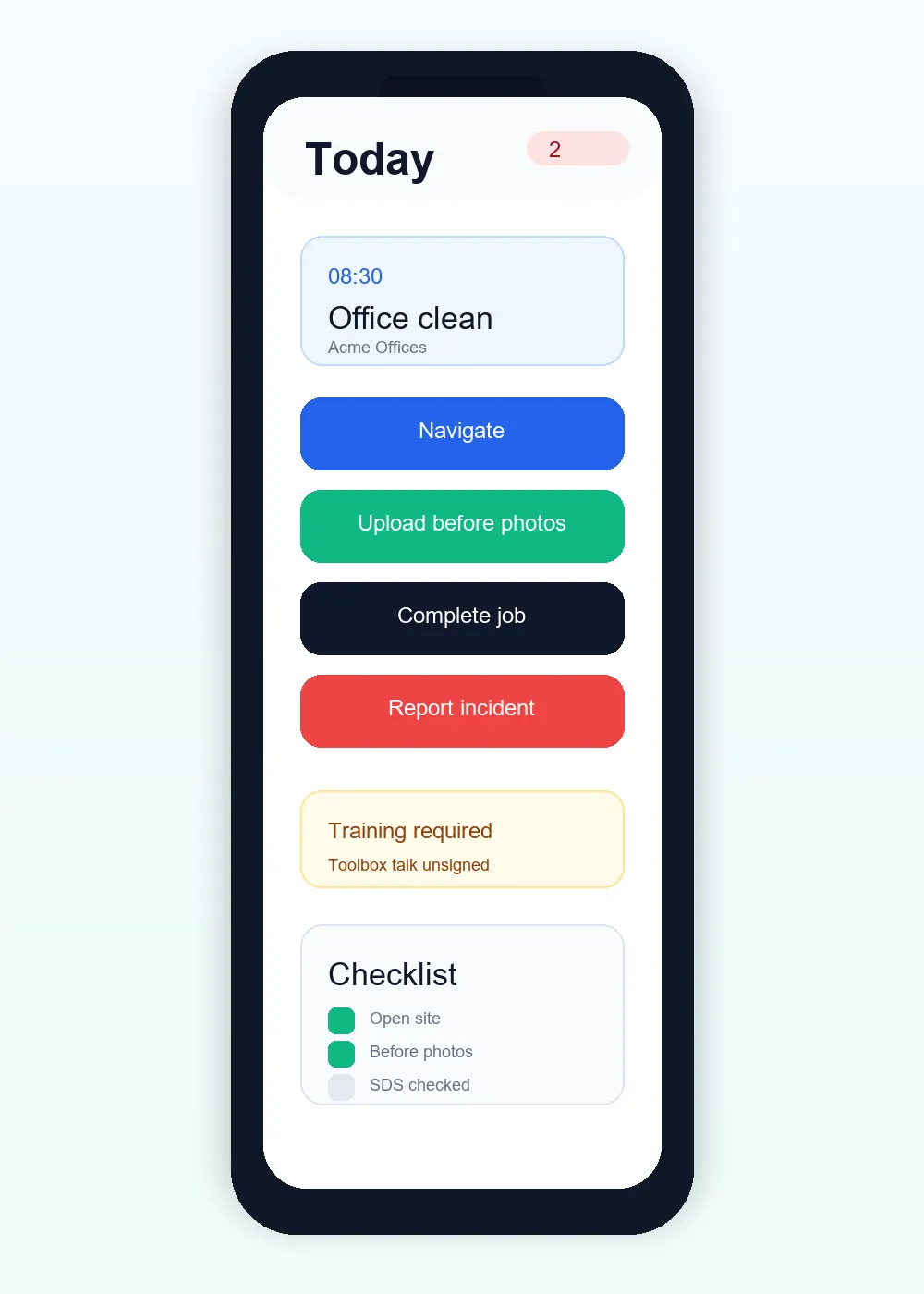
A compact date-based jobs list makes today and the next visit obvious.
Cookie preferences
Necessary cookies keep ServiceFlow working. With your permission, analytics cookies help us understand website visits. You can change this choice later.
A focused working day on any phone
ServiceFlow keeps the staff experience focused on the next job and the actions needed on site. Workers can see clear dates, customer and address information, instructions and progress controls without carrying paperwork or using the admin system.
The operational challenge
A compact date-based jobs list makes today and the next visit obvious.
Keep directions, access notes and pre-arrival instructions available from the job.
Complete job forms and evidence while the visit is still fresh.
The working sequence
Start from Today's jobs and upcoming date groups. Open Before You Travel instructions and the correct physical address before using Navigate. On Way and arrival are separate operational stages.
Read access information and staff-visible recurring notes. Complete the forms attached to this visit and use Take Photo or Choose from device for Before, During and After evidence.
Meet the job's required form and declaration checks before completion. A confirmed completion returns staff to their jobs; an error or pending offline operation remains visible for attention.
Site assessment / Tuesday, 09:00
Team assigned. Job-specific RAMS attached.
How ServiceFlow helps
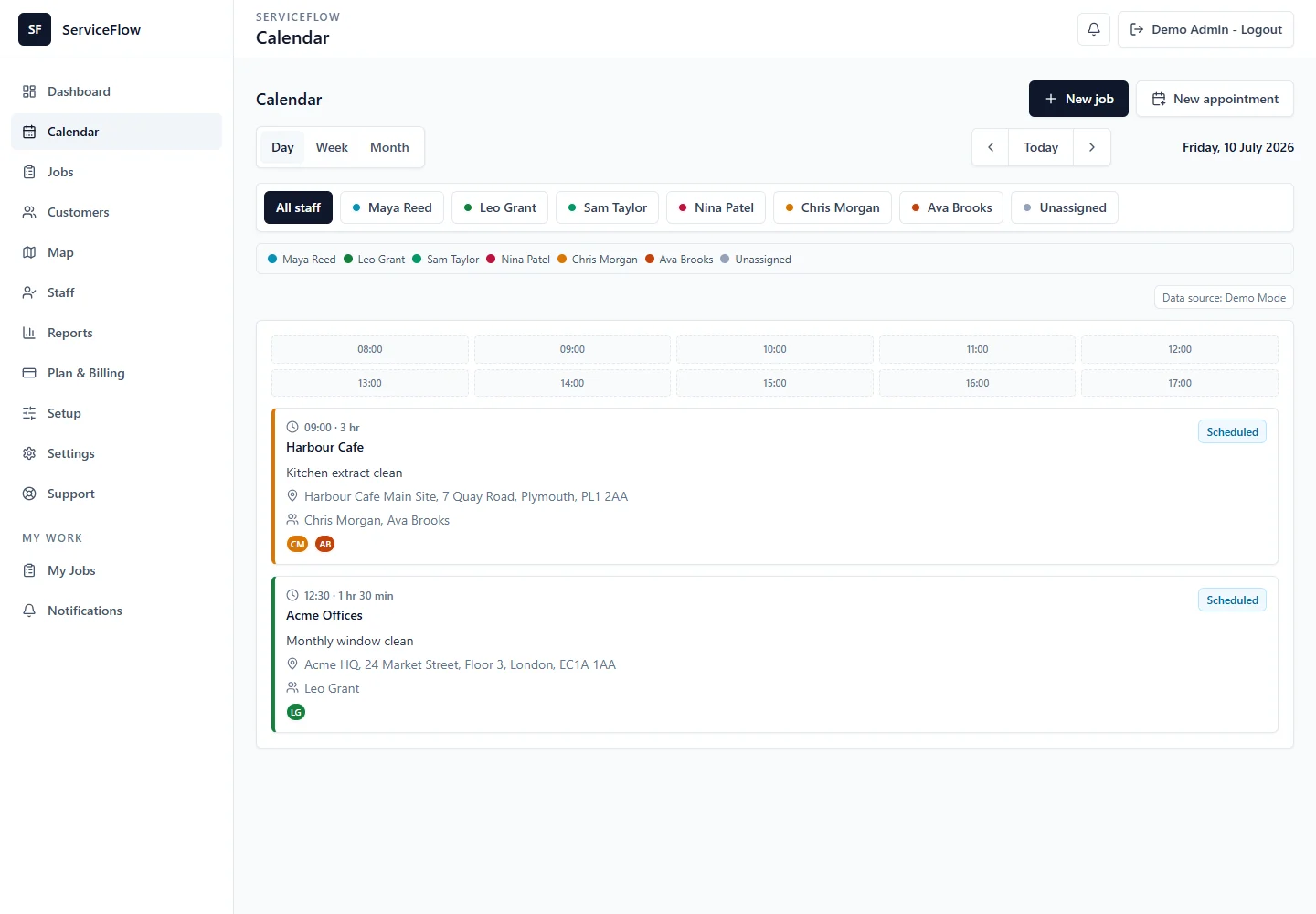
Group assigned work by prominent dates to reduce wrong-day mistakes.
Use clear Navigate, On Way, Arrived and correction actions built around the operational status model.
Take photos from the job screen or choose from your device. Large phone images are prepared before upload, with unnecessary camera metadata removed. Camera options vary by browser.
Read ongoing internal notes on recurring job sheets, alongside the access information and forms for this visit.
Use ServiceFlow from a mobile browser or install it as a web app on a supported device.
Business outcomes
FAQ
No. Staff use a protected mobile workflow limited to the jobs and tools they are authorised to access.
Supported travel and arrival stages include safe correction actions without changing the booking itself.
ServiceFlow is browser based and designed for modern mobile browsers, with install guidance where the platform supports it.
Related workflows
Start with the real booking, staff and reporting workflow. No card is required for the 30-day trial.
Start free trial