Repeated update requests
Let authorised contacts check approved visits, documents and reports themselves.
Cookie preferences
Necessary cookies keep ServiceFlow working. With your permission, analytics cookies help us understand website visits. You can change this choice later.
Give customers a controlled self-service view
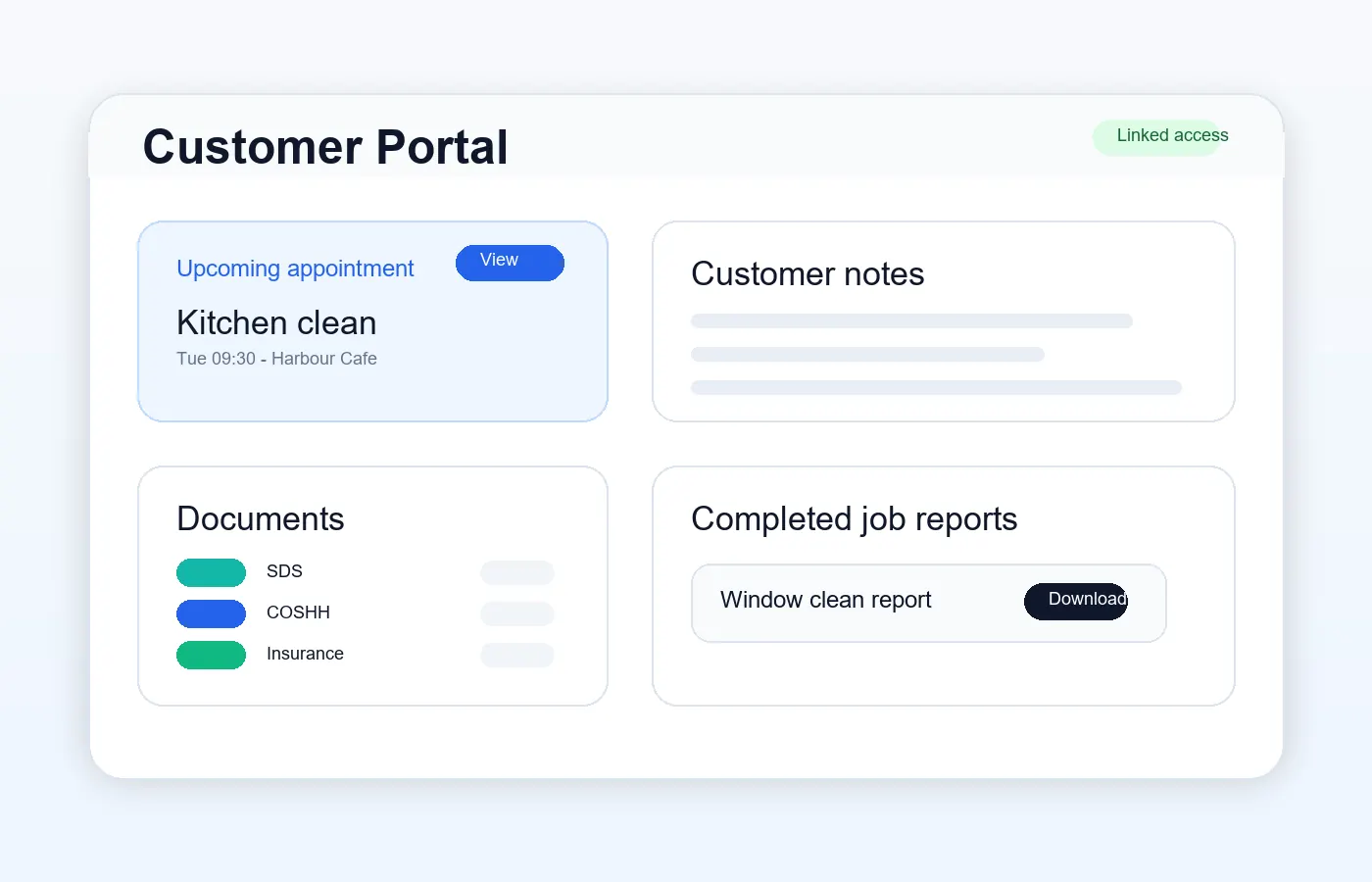
Give selected customer contacts access to the information that matters without exposing the admin system. The portal is branded to the service business and every access record is scoped to the correct customer, site and permissions.
The operational challenge
Let authorised contacts check approved visits, documents and reports themselves.
Set permissions per portal access record and share only intended customer-safe content.
Use the service business logo and name instead of presenting customers with ServiceFlow branding.
The working sequence
Give more than one contact access where the customer needs it. Configure the permitted customer/site context and areas rather than treating every email address as an all-access login.
Customers can check permitted visits, open customer-safe reports and retrieve shared documents under the service business's branding. Unshared reports and private staff notes are not part of that view.
Upload a PDF agreement and choose recipients. An Action Required item takes the contact to review, view, download or print it and confirm acceptance. Keep the exact agreed document and recipient acceptance record; issue a new agreement when terms change.
This fictional example follows the acknowledgement step. The actual portal retains the recipient acceptance against the PDF sent by the business.
Action required
Northfield House · Version 1
Review the document and actively confirm your acceptance.
How ServiceFlow helps
Show the uploaded business logo and name consistently across portal pages.
Control access to visits, reports, documents, notes and credential summaries.
Invite more than one authorised login for a customer where needed.
Upload a PDF and send it to selected contacts. An Action Required prompt leads recipients to review, download or print the document and actively confirm acceptance. This is acknowledgement, not a handwritten signature.
Review recipient-specific acceptance details and preserve the exact agreed document. Send a new agreement for changed terms rather than replacing an accepted version. Accepted documents remain available through permitted portal access.
Business outcomes
FAQ
No. Portal data and permissions are scoped to the authenticated customer access record and business.
Yes. Reports can remain internal until an admin approves and shares them.
The customer portal header uses the service business branding, with a business-name fallback when no logo is uploaded.
Yes. Invite selected contacts and configure their access to the relevant customer or site and portal areas. Giving one contact access does not make the customer's information public.
The PDF agreement workflow records explicit acknowledgement by the recipient, not a handwritten or digital signature. The agreed document is retained; changed terms should be sent as a new agreement. This is not a legal enforceability guarantee.
Related workflows
Start with the real booking, staff and reporting workflow. No card is required for the 30-day trial.
Start free trial