Reports are hard to find
Search completed records by customer, site, staff submitter and completion date.
Cookie preferences
Necessary cookies keep ServiceFlow working. With your permission, analytics cookies help us understand website visits. You can change this choice later.
Turn completed work into useful records
ServiceFlow creates a clear path from staff completion to office review and customer sharing. Admins can find reports by customer, site, submitter and completion period while private notes and customer-safe content remain separate.
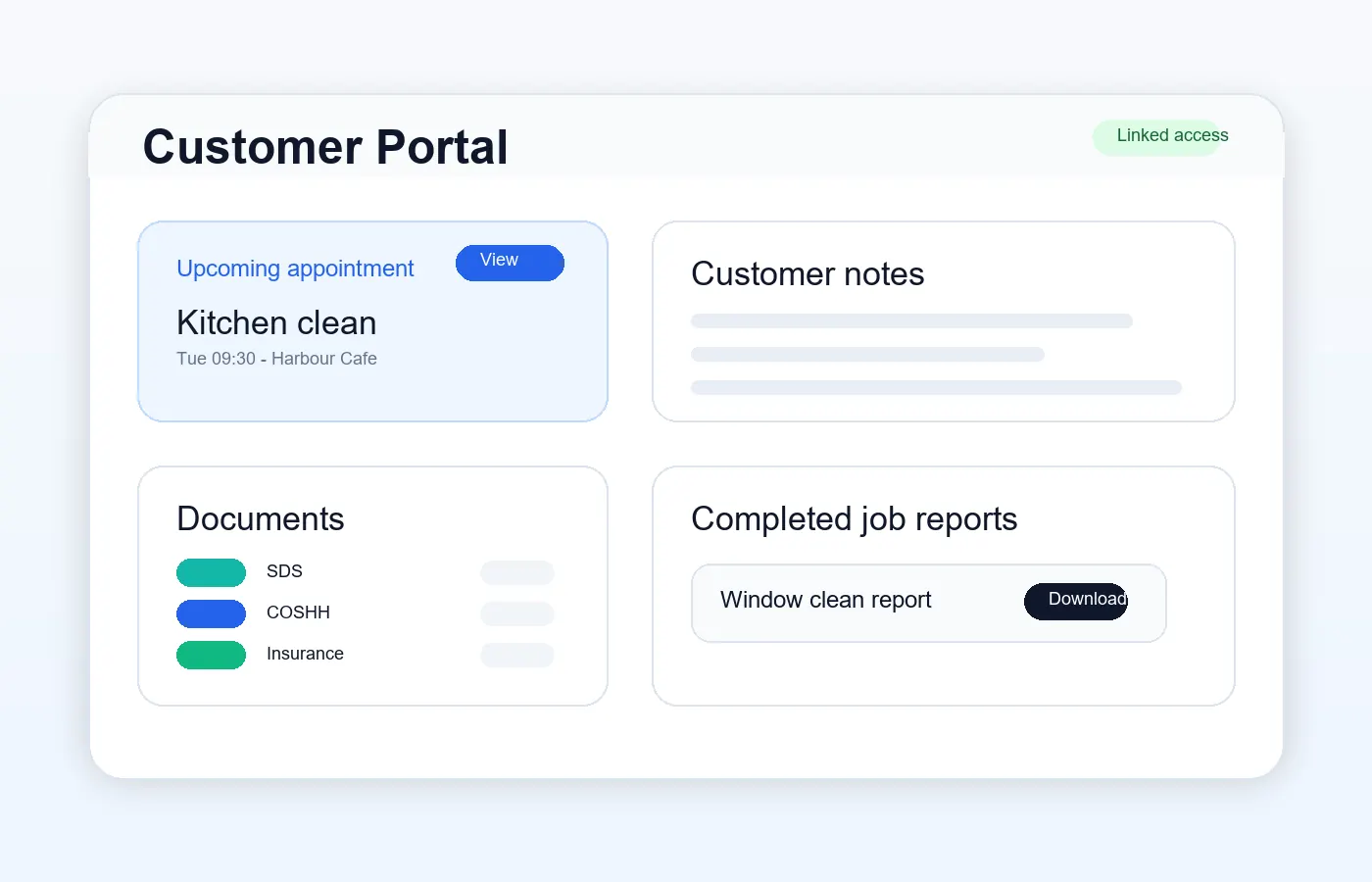
The operational challenge
Search completed records by customer, site, staff submitter and completion date.
Keep photos, products and structured form answers attached to the report.
Review customer-facing content without exposing private staff or office notes.
The working sequence
Bring together completed form answers and Before, During and After photos. Record library products and customer-supplied products accurately rather than implying every item came from the business.
Find reports by customer, site, submitter or completion date. Check the shared content, including eligible SDS/COSHH and documents, before sending customers to their portal.
Use the uploaded business logo and compact photo grids in PDFs. Order and enable the business's authorised credential logos, with optional reference numbers. Verification links are available in web reports, not promised in the PDF footer.
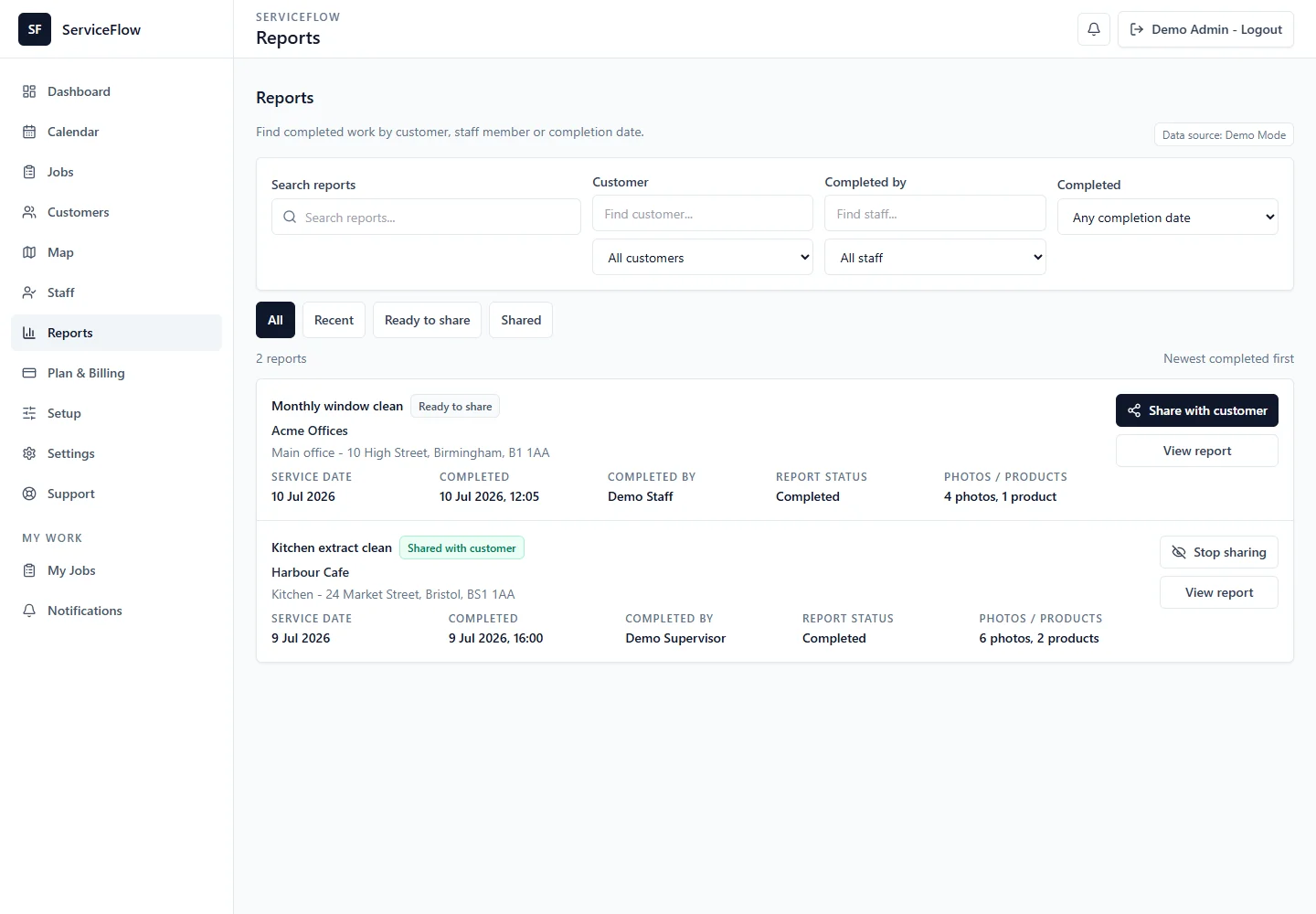
How ServiceFlow helps
Collect required declarations, custom fields, products, photos and signatures.
Filter report history using the actual submitter and report completion timestamp.
Generate branded reports with clear photo grids and only information approved for customers. Include relevant shared safety documents and products used, including customer-supplied products where recorded.
Upload multiple authorised logos, choose their display order and enable each individually. Logos and optional reference numbers appear on customer-facing reports and PDFs; web reports can also include verification links. ServiceFlow does not supply or imply accreditation.
Keep a report internal, approve it manually or use configured automatic sharing.
Business outcomes
FAQ
Yes. ServiceFlow uses the recorded report submitter rather than assuming the assigned worker wrote the report.
No. Customer-safe report output does not expose internal staff timing information.
Yes. Customer-visible photos can be arranged in compact Before, During and After sections, with two images per row where space allows in PDFs.
Yes. Upload logos you are authorised to use, set their order and visibility, and add reference numbers where useful. Web reports can include verification links. ServiceFlow does not grant accreditation.
Related workflows
Start with the real booking, staff and reporting workflow. No card is required for the 30-day trial.
Start free trial