Job calendar and scheduling
Plan daily and weekly work from a calendar that feels familiar. Create jobs, select customers and sites, assign staff, add notes and keep missed or cancelled work visible.
Features
ServiceFlow is designed around the operational work small field service businesses do every day: scheduling jobs, sending staff to site, keeping evidence, sharing customer updates and staying on top of safety documents.
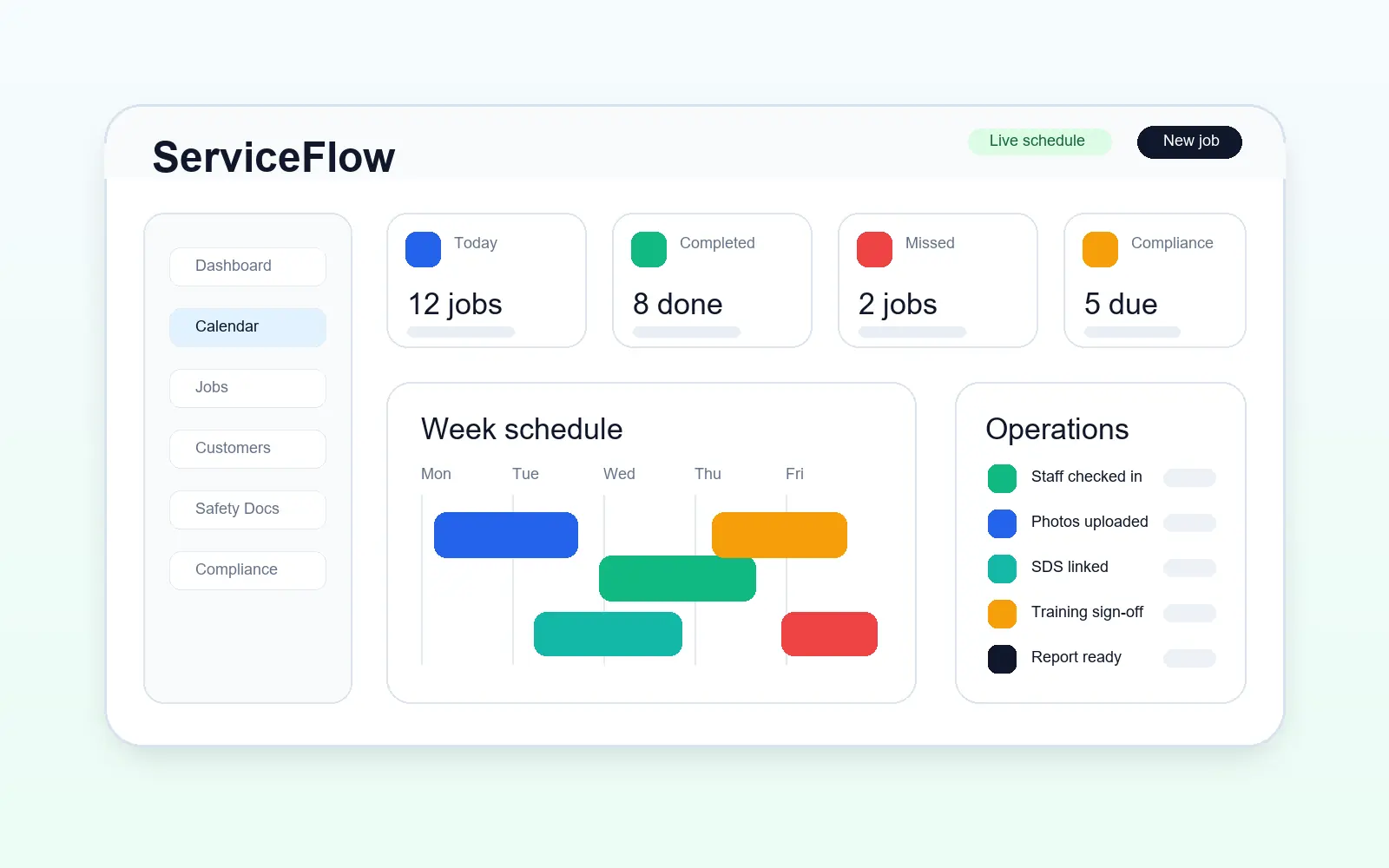
Plan daily and weekly work from a calendar that feels familiar. Create jobs, select customers and sites, assign staff, add notes and keep missed or cancelled work visible.
Staff get a focused mobile view for their own jobs. They can navigate to site, read access notes, see linked documents, upload photos, report incidents and mark work complete without seeing admin screens.
Upload before, during and after photos so proof of work stays with the job. Retention settings help businesses keep records for a defined period without turning the app into unmanaged storage.
Customer portal access is explicit, not based on loose email matching. Customers can see permitted appointments, documents, reports and notes for their linked customer or site.
Keep business documents, insurance, certificates, company policies, RAMS, risk assessments and method statements organised by type, category, visibility and expiry date.
Build a product and chemical library with SDS and COSHH links so staff can record the actual products used on each job.
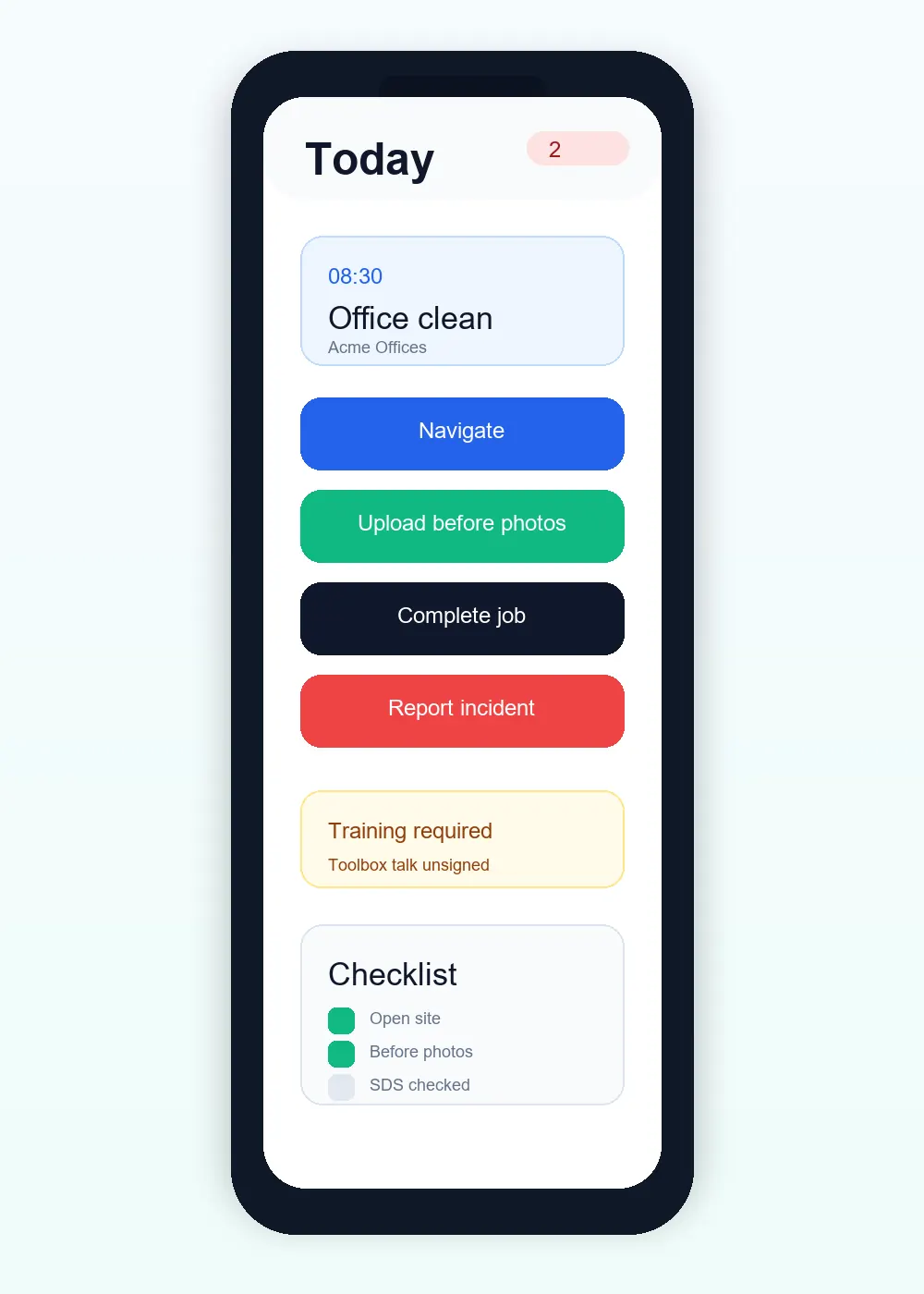
A cleaner, technician, contractor or supervisor can open the job, navigate, upload photos, complete work and report an incident from one phone-friendly screen.
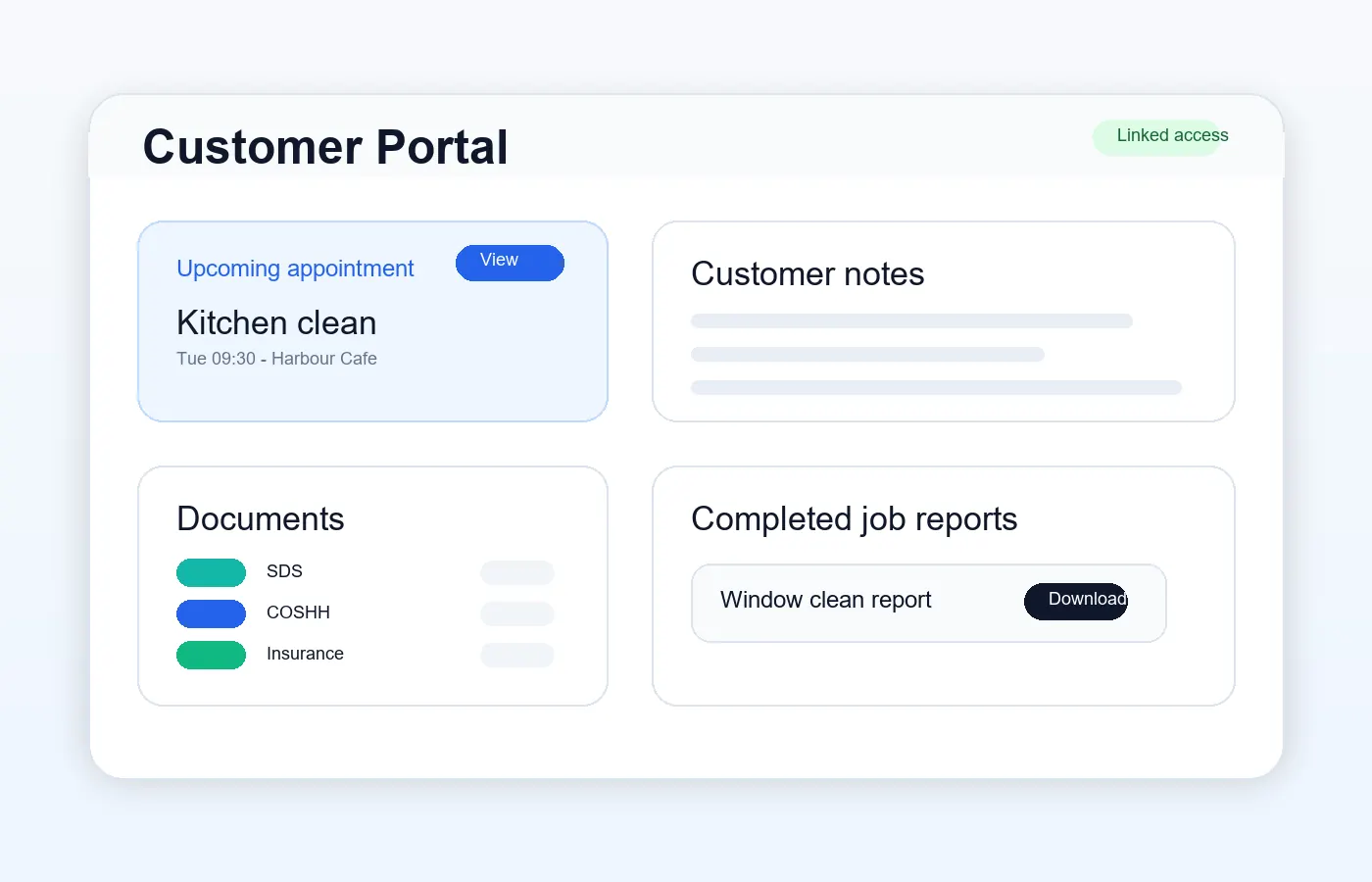
Customers see only the appointments, reports and documents they are allowed to access through explicit portal permissions.
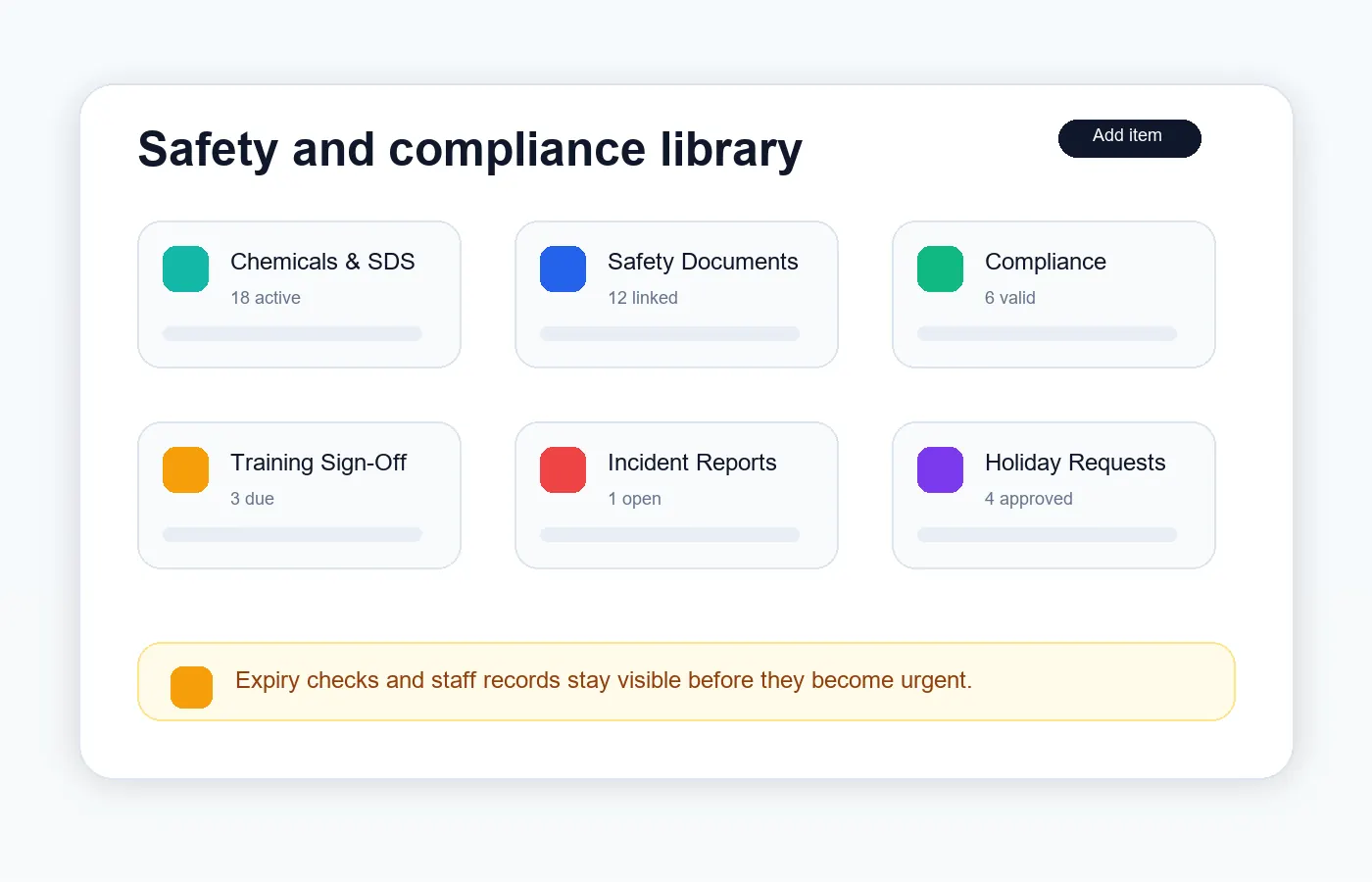
Chemicals, SDS, COSHH, business documents, training records and incidents stay organised for when the team needs them.
Controlled storage and retained job records
ServiceFlow stores job photos, documents and records with sensible plan limits. Starter includes 90-day job photo retention and 2GB storage. Larger teams can contact support for more storage, higher user limits or longer retention.
Detailed capabilities
Plan daily and weekly work from a calendar that feels familiar. Create jobs, select customers and sites, assign staff, add notes and keep missed or cancelled work visible.
Staff get a focused mobile view for their own jobs. They can navigate to site, read access notes, see linked documents, upload photos, report incidents and mark work complete without seeing admin screens.
Upload before, during and after photos so proof of work stays with the job. Retention settings help businesses keep records for a defined period without turning the app into unmanaged storage.
Customer portal access is explicit, not based on loose email matching. Customers can see permitted appointments, documents, reports and notes for their linked customer or site.
Keep business documents, insurance, certificates, company policies, RAMS, risk assessments and method statements organised by type, category, visibility and expiry date.
Build a product and chemical library with SDS and COSHH links so staff can record the actual products used on each job.
Add training items, toolbox talks and required sign-off records. Staff can read, confirm and sign training from their side, while admins can see who has completed each item.
Record accidents, near misses, chemical spills, property damage, site access issues and other incidents. Admins can review severity, follow-up actions and RIDDOR review status.
Completed jobs can keep notes, photos, linked documents and future reports in one job history. This gives the business a clearer operational record than scattered folders.
Owner and admin users can manage billing, see account notices and contact ServiceFlow support from inside the app. Platform support tools keep customer help separate from daily operations.
The Starter plan keeps pricing straightforward while the product grows. Billing, grace-period handling and platform controls are prepared for private live use.
Add customers and jobs first, then bring in staff, chemicals, SDS/COSHH, safety documents, training records and compliance files when you are ready.
Add approved chemicals, SDS/COSHH, insurance, RAMS, policies and customer portal settings at your own pace.
Schedule jobs, assign staff, capture updates, keep records, share selected customer information and review completed work.
Start the 30-day free trial or review the Starter plan before inviting staff and customers.