Documents live in different folders
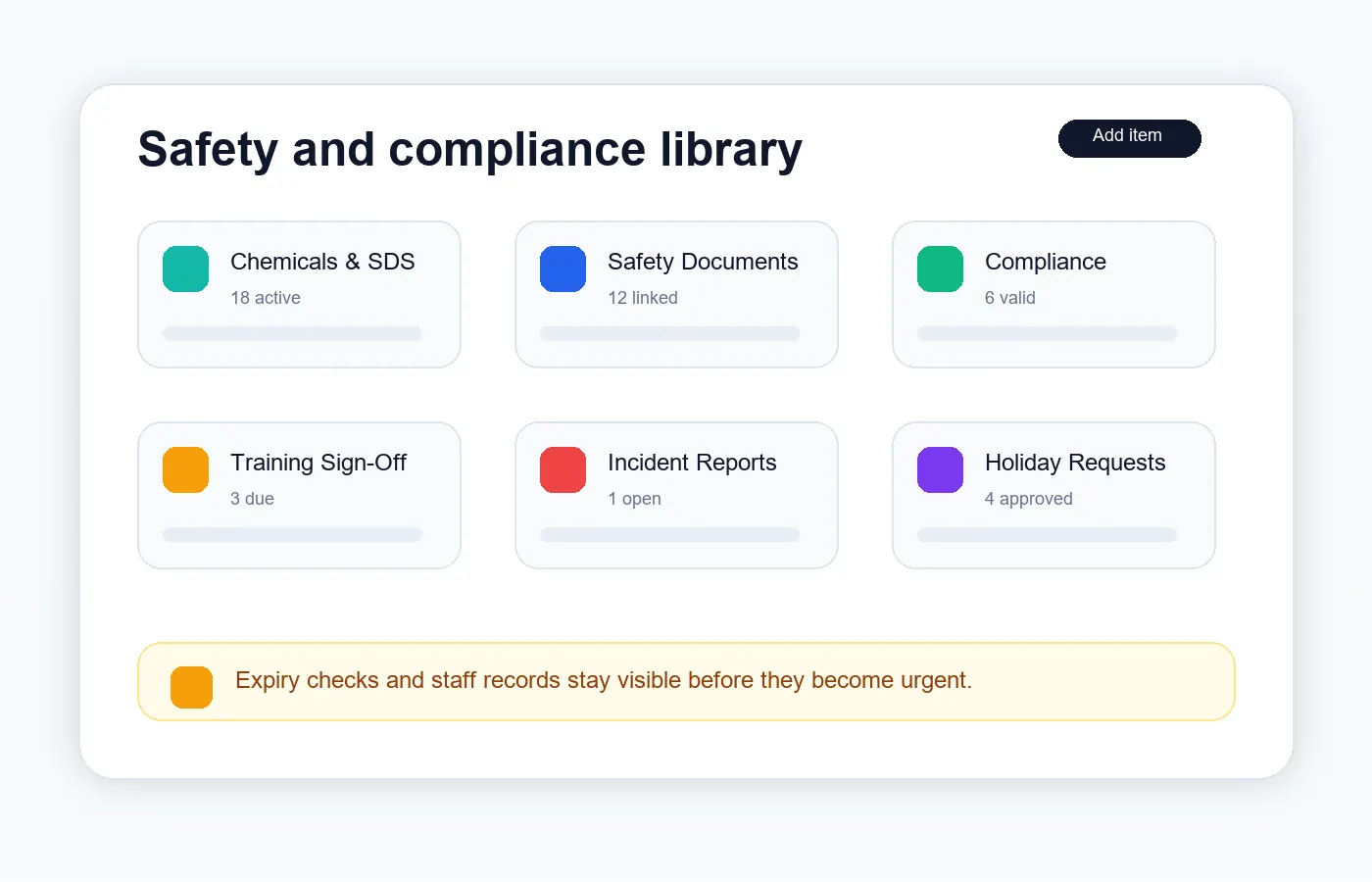
Bring insurance, certificates, RAMS, policies and safety records into one searchable area.
Cookie preferences
Necessary cookies keep ServiceFlow working. With your permission, analytics cookies help us understand website visits. You can change this choice later.
Organise operational documents without trade-specific folders
ServiceFlow provides a generic Business Documents workflow for the records service businesses need to keep available. Upload documents, track review or expiry dates, assign staff sign-off and share selected items with the right customers.
The operational challenge
Bring insurance, certificates, RAMS, policies and safety records into one searchable area.
Record expiry and review dates so time-sensitive documents are easier to monitor.
Select the customer, site or job context instead of publishing internal files broadly.
The working sequence
Keep insurance, policies and certificates in the library with useful expiry and review dates. Uploading a file and sharing it are separate decisions.
Associate the relevant safety document with the job that needs it. A different site or service may need different RAMS; a single visit's file need not become a permanent customer-wide document.
Use staff document sign-off for training and toolbox talks. Use the separate customer agreement workflow when a selected contact needs to acknowledge a PDF and retain the agreed version.
How ServiceFlow helps
Organise common records without forcing the business into a particular trade category.
Assign training, toolbox talk and policy documents that require staff acknowledgement.
Upload first, then manage sharing with one or more authorised customers.
Attach the relevant RAMS or safety document to an individual job. Different jobs can have different documents without making every RAMS a permanent customer-wide file.
Send PDF agreements to selected portal contacts for active acknowledgement. Keep recipient acceptance and the agreed document on record; changes require a new agreement rather than silently replacing accepted terms.
Keep storage usage visible and manage uploaded files within plan allowances.
Business outcomes
FAQ
Typical examples include insurance, certificates, RAMS, policies, safety, compliance, training, staff, customer and site documents.
No. Customer documents require appropriate visibility and sharing permissions.
Yes. Supported staff documents can be assigned for acknowledgement while completed sign-off history is retained.
Related workflows
Start with the real booking, staff and reporting workflow. No card is required for the 30-day trial.
Start free trial