Unreadable paperwork
Use structured fields and clear prompts instead of handwritten notes that need retyping.
Cookie preferences
Necessary cookies keep ServiceFlow working. With your permission, analytics cookies help us understand website visits. You can change this choice later.
Replace paper sheets with structured records
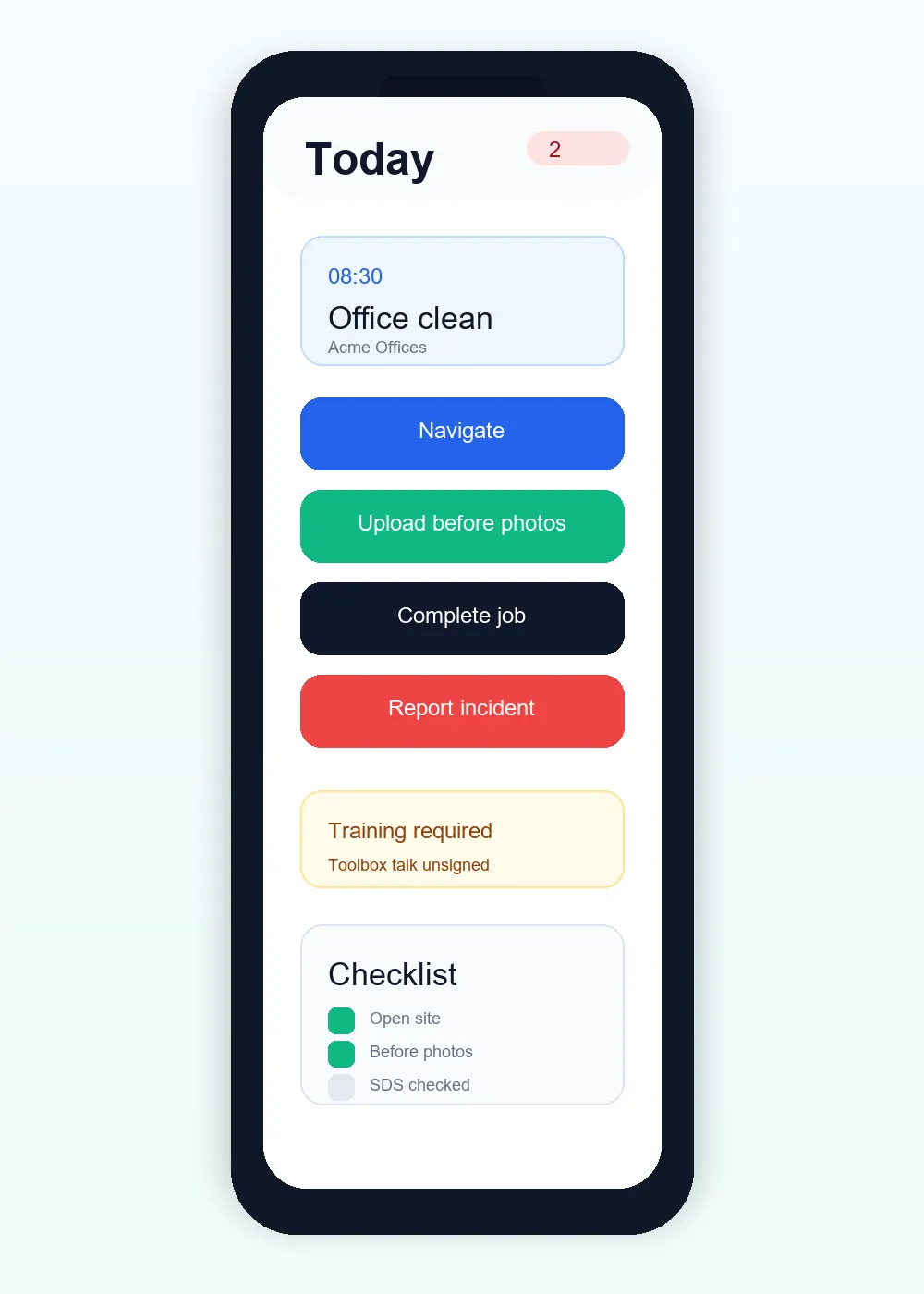
A digital job sheet keeps the work instructions and completed evidence attached to the same visit. ServiceFlow helps teams move from paper forms and separate photo messages to consistent, searchable job records.
The operational challenge
Use structured fields and clear prompts instead of handwritten notes that need retyping.
Keep before, during and after evidence linked to the job that produced it.
Require the right declarations, forms or signatures for the work being completed.
The working sequence
Add work instructions, access information and the Job Forms needed for this service. Staff do not need to search customer messages to reconstruct the brief.
Record form answers, photos and products used as applicable. A drawn signature field is a specific part of a configured form, not a requirement on every visit.
The report belongs to the visit. Customer visibility controls decide which completed information is shared, while private operational notes remain separate.
How ServiceFlow helps
Separate work requirements from access details and private office notes.
Collect text, numbers, selections, dates, photos and drawn signatures.
Record approved products or customer-supplied items during the visit.
Turn submitted job information into an admin-reviewed, customer-safe report.
Business outcomes
FAQ
Yes. Admins can attach one or more relevant job forms without forcing a template on every visit.
Where configured, signature fields support a drawn touchscreen signature rather than typed text.
Yes. Photo collection can be enabled per job and organised by before, during and after stages.
Related workflows
Start with the real booking, staff and reporting workflow. No card is required for the 30-day trial.
Start free trial