Scattered job information
Keep bookings, addresses, access details, instructions and assigned staff together instead of searching through messages.
Cookie preferences
Necessary cookies keep ServiceFlow working. With your permission, analytics cookies help us understand website visits. You can change this choice later.
One system for everyday service work
ServiceFlow gives small service businesses one practical place to manage customers, sites, jobs, staff updates, documents and completed reports. Replace disconnected diaries, messages and paper records with a job history the office and field team can rely on.
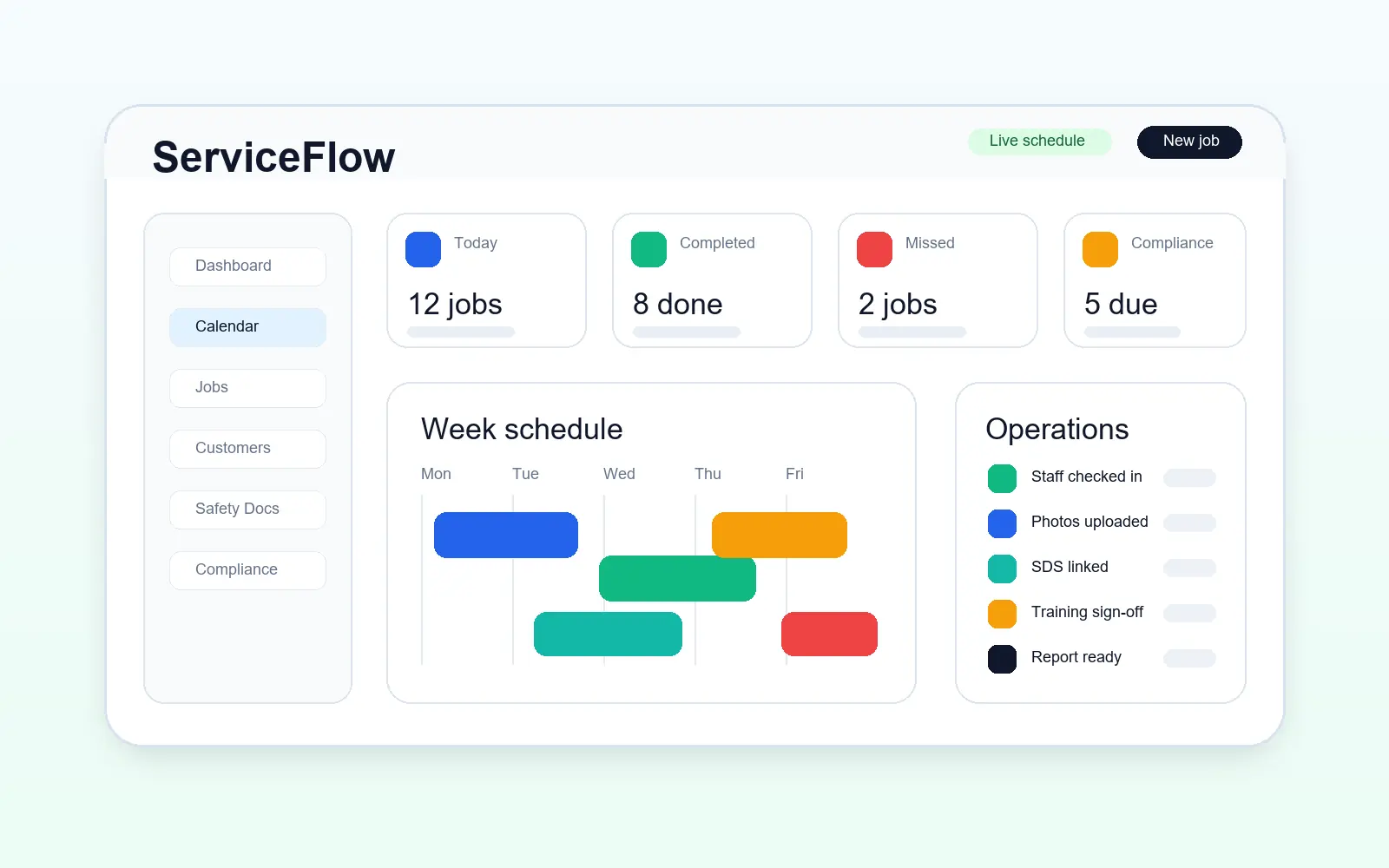
The operational challenge
Keep bookings, addresses, access details, instructions and assigned staff together instead of searching through messages.
See scheduled, on-way, in-progress and completed work without repeatedly calling the field team.
Retain photos, forms, products used and reports against the correct customer and visit.
The working sequence
Record the customer or business contact, a main site and any additional addresses. A facilities customer can have several premises without becoming several duplicate customers.
Select the site, date, time or arrival window and assigned team. Give staff work instructions and site access notes; keep pricing reminders in admin-only internal notes.
Follow the operational status, review submitted forms and photos, and find the report under that customer and site. A visit needing rebooking stays distinct from completed work.
How ServiceFlow helps
Create a customer and site while booking, or select an existing record without leaving the job screen.
Set up full customer details, a main site and additional locations before any job exists. Keep access information against each premises and select the right site when booking.
Check availability, assign one or more workers and keep schedule changes visible.
Give staff a focused view of their work, directions, instructions and completion steps.
Review reports and share only approved visits, documents and evidence through the customer portal.
Business outcomes
FAQ
Job management software connects bookings, customers, staff assignments, field updates and completed records in one system.
Yes. ServiceFlow is designed around practical workflows for small and growing service teams rather than enterprise complexity.
Yes. Assigned jobs, directions, photos, forms and completion actions are designed for mobile use.
Related workflows
Start with the real booking, staff and reporting workflow. No card is required for the 30-day trial.
Start free trial