Repeat bookings take too long
Create the schedule once instead of entering every predictable visit by hand.
Cookie preferences
Necessary cookies keep ServiceFlow working. With your permission, analytics cookies help us understand website visits. You can change this choice later.
Plan repeat work without losing visit control
ServiceFlow supports repeat work that follows a regular pattern as well as contracts with selected visit dates. Keep the series connected while retaining the ability to manage individual occurrences and future visits safely.
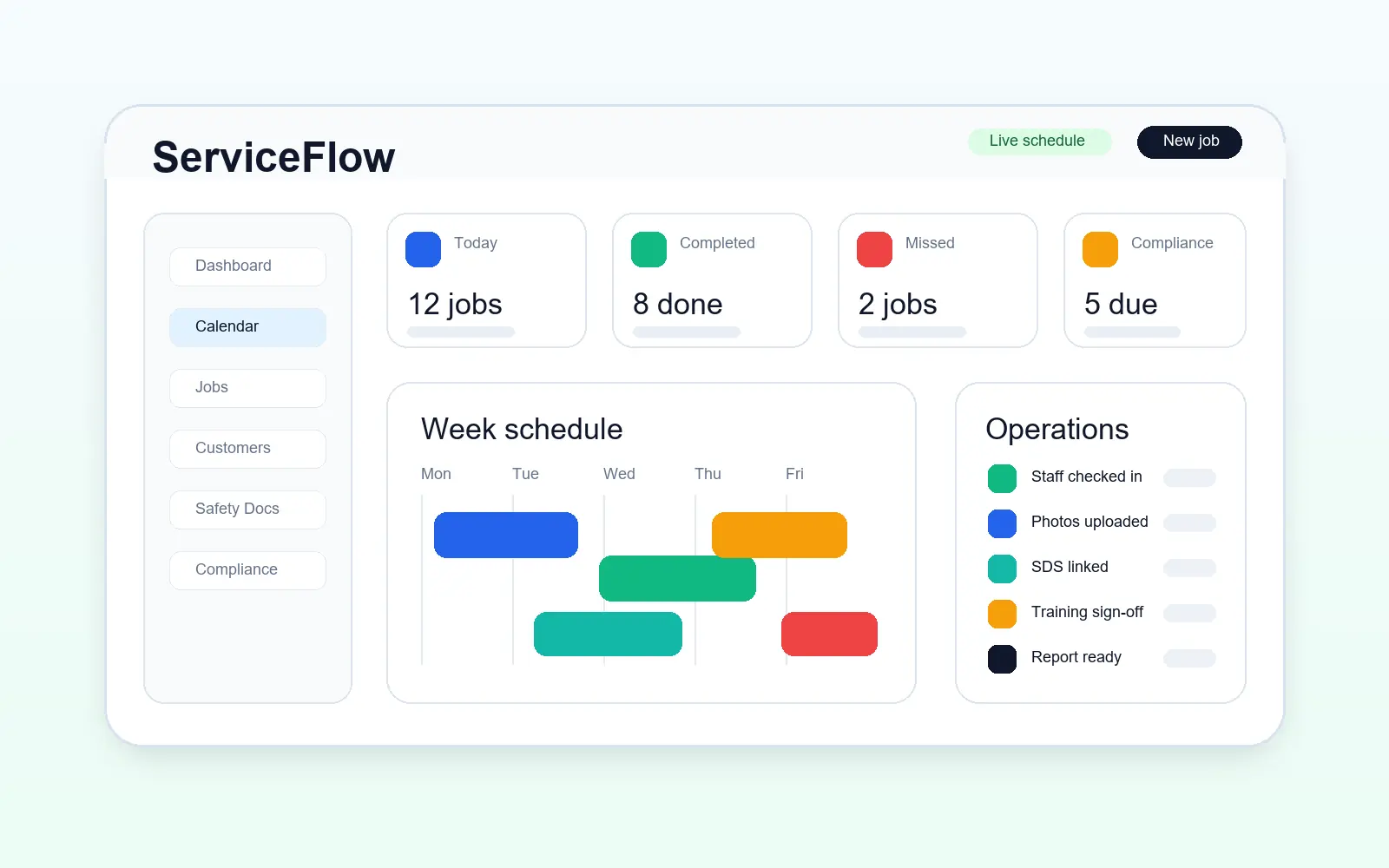
The operational challenge
Create the schedule once instead of entering every predictable visit by hand.
Use selected dates when work does not fit a simple weekly or monthly rule.
Choose whether a change affects one visit or the series from a selected point.
The working sequence
Choose the repeat interval, selected daily weekdays where needed, or explicit manual dates. Set an end date, visit count or an ongoing schedule according to the agreement.
Use recurring operational notes for information the next attending worker needs. Edit outdated instructions at series level, while keeping a one-visit exception on that job only.
Use the series controls to distinguish a single occurrence from future work. Rebook an affected visit without treating a missed attendance as completed service.
How ServiceFlow helps
Schedule daily, weekly, fortnightly, monthly or custom intervals.
Continue until paused or ended, or set an end date or visit count.
Choose several exact dates and retain a clear allowance of visits left.
Edit, stop, duplicate or convert work using the existing recurring-series history.
Authorised admins and staff can update internal series instructions for the next person attending. Edit or remove outdated notes, or keep a note specific to one visit. These notes are not shared with customers.
Keep the appropriate RAMS with each job, including supported recurring and duplicated work, separately from generic customer documents.
Business outcomes
FAQ
Yes. Ongoing schedules can continue until an authorised admin pauses or ends them.
Yes. Manual-date scheduling supports contracts whose visits do not follow a fixed interval.
ServiceFlow distinguishes an occurrence from its wider series so supported edits can be scoped appropriately.
Related workflows
Start with the real booking, staff and reporting workflow. No card is required for the 30-day trial.
Start free trial