Photos without context
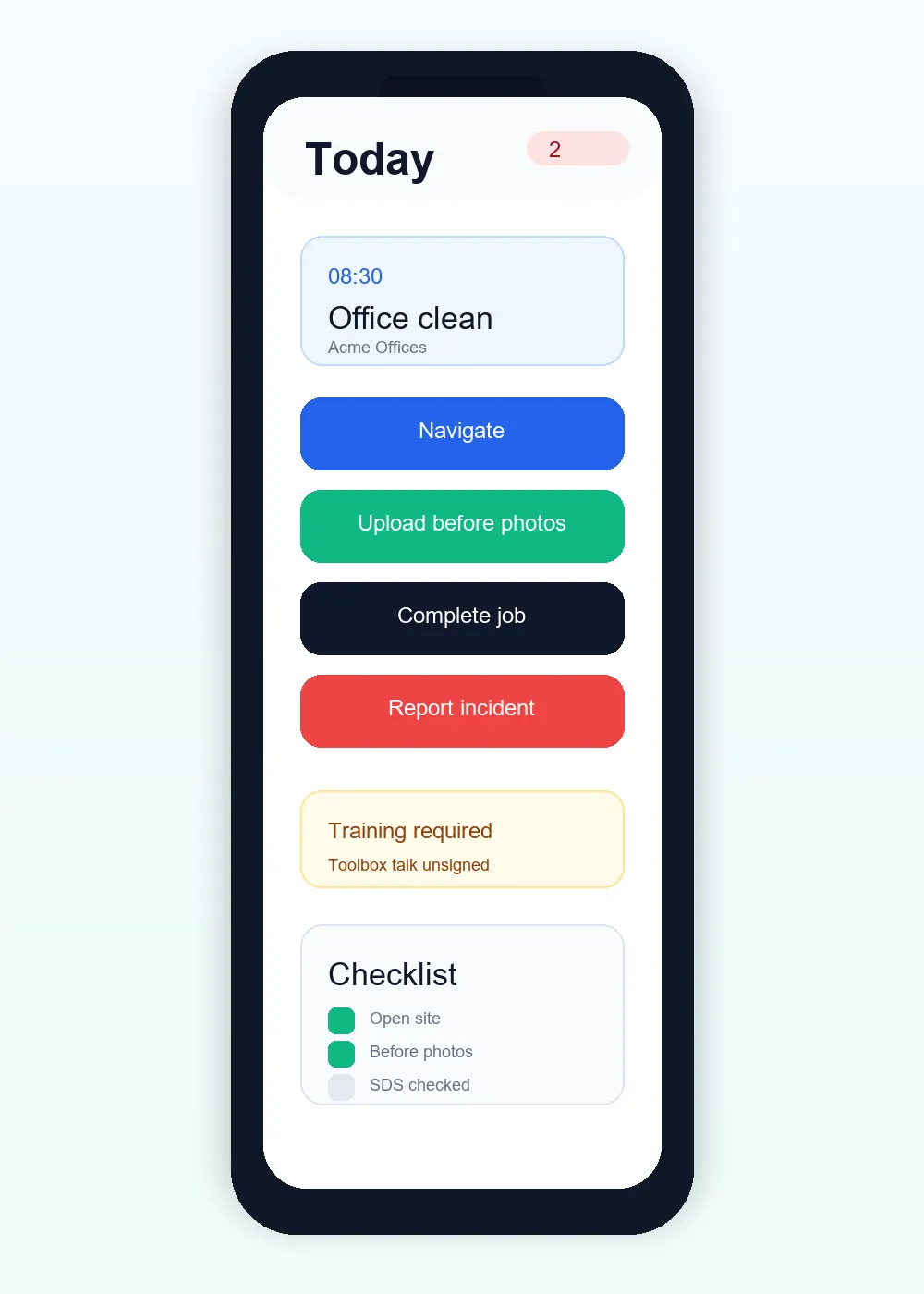
Organise evidence by job and before, during or after stage.
Cookie preferences
Necessary cookies keep ServiceFlow working. With your permission, analytics cookies help us understand website visits. You can change this choice later.
Keep evidence connected to the visit
When a customer asks what was done, the answer should not be spread across camera rolls, paper sheets and messages. ServiceFlow keeps practical proof against the job and turns approved evidence into a customer-safe report.
The operational challenge
Organise evidence by job and before, during or after stage.
Use required fields, declarations and signatures where the service demands them.
Retain a dated visit record that shows the approved work evidence clearly.
The working sequence
Before photos can record the condition encountered at the site. Keeping them against the job avoids relying on a photo message with no visit context.
Use During and After photos alongside the configured form answers and declarations. Capture a touchscreen signature where the form calls for one.
The customer-safe report combines approved evidence rather than exposing every internal field. Staff attendance and duration information are not part of the customer-facing report.
How ServiceFlow helps
Collect job-specific images without relying on a worker's personal photo history.
Record checks, readings, notes, selections and service-specific answers.
Capture an appropriate customer or staff signature directly on a supported touchscreen.
Present customer-visible content and photos in a compact, professional PDF.
Business outcomes
FAQ
Yes. Admins can enable or disable job photo collection according to the visit.
No. Internal and private notes remain excluded from customer-safe outputs.
Authorised admins and customers can access supported shared reports and documents through protected routes.
Related workflows
Start with the real booking, staff and reporting workflow. No card is required for the 30-day trial.
Start free trial